Renaming your server
How it works
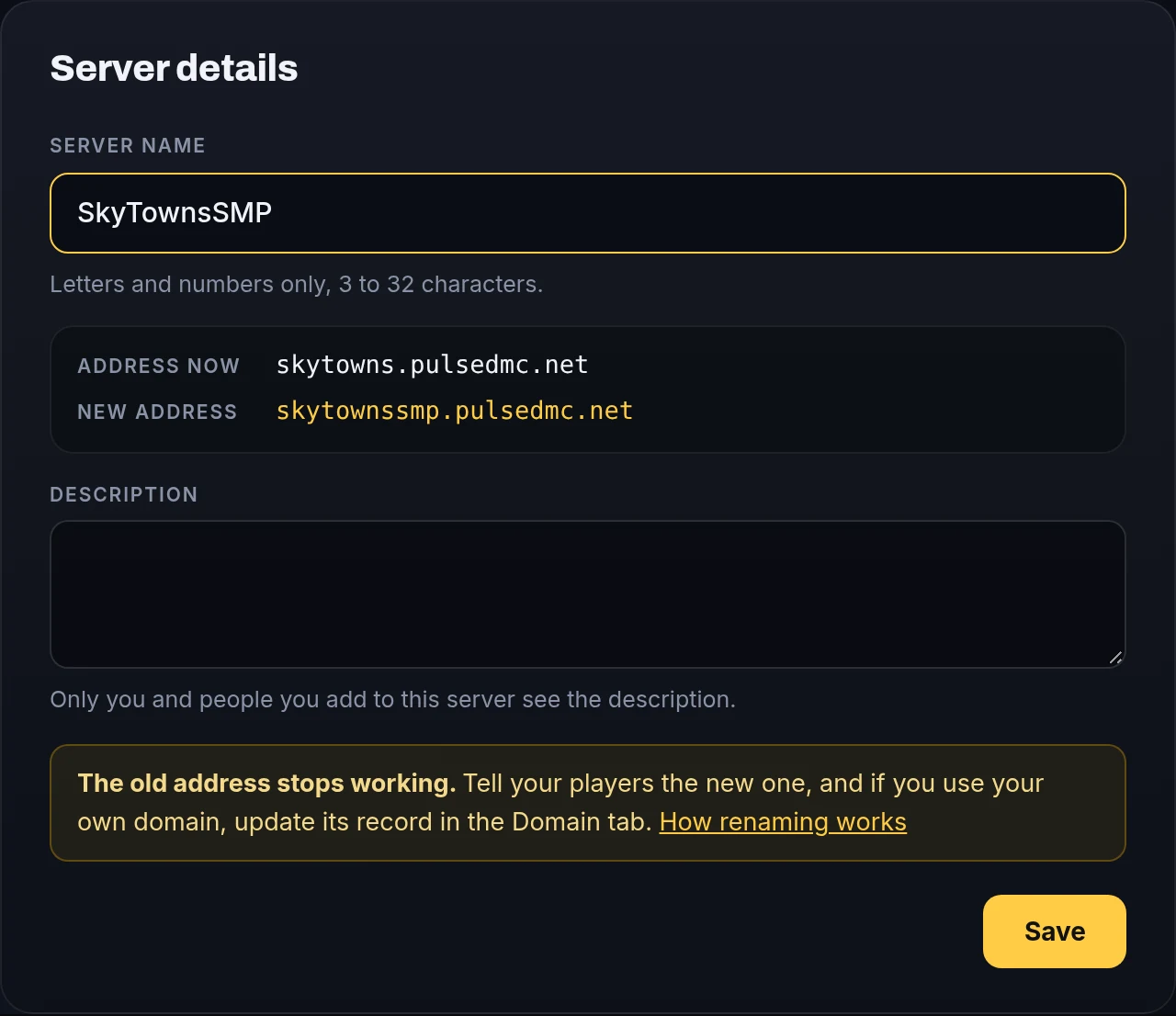
Your server's name is also its address. Change the name and the address changes with it.
SkyTowns      →  skytowns.pulsedmc.net
SkyTownsSMP   →  skytownssmp.pulsedmc.net
Your world, files and plugins stay the same. Names can only use letters and numbers, 3 to 32 characters.
Rename on the website
- Go to your account.
- Click your server's name.
- Type the new name and press Save.


Rename in the panel
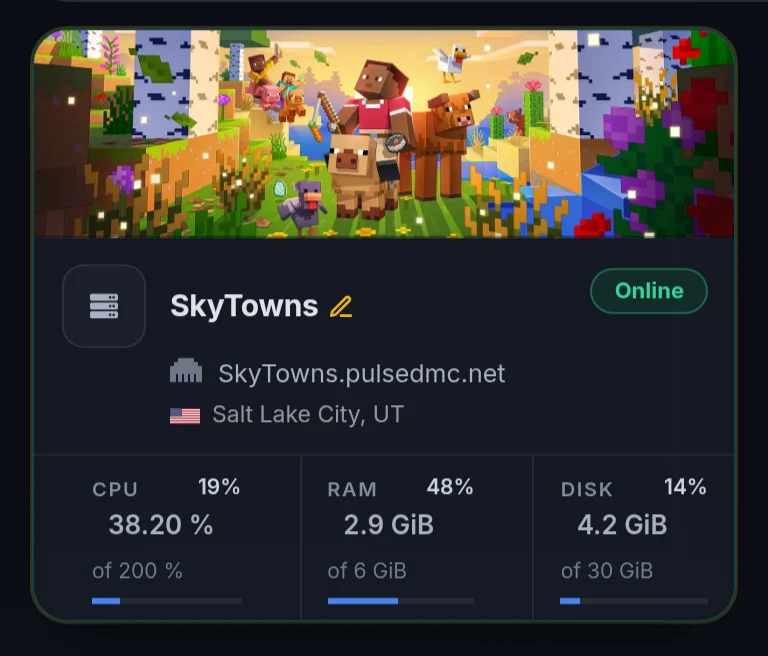
In the game panel, click the server's name (look for the pencil) or open the Settings tab.
Tell your players
The old address stops working, so post the new one on your Discord or wherever your players find you.
Using your own domain?
Open the Domain tab after renaming and update your DNS record to the new target.
Game, bot and website servers
These keep their address when you rename them. Only the name changes.
Problems
The new address sends me to the lobby
Wait a minute and try again. Make sure your server is running, and add the new address in Minecraft.
It says the name is already in use
Someone else has it. Try adding a word or number, like SkyTownsSMP or SkyTowns2.
It says it could not rename right now
Nothing changed. Wait a minute and try again.
Still stuck?
Open a ticket and we will take a look.
Open a ticket